FastQuiz
Going paperless but stuck bouncing between questions, AI chats and answer sheets?
The last quiz practice tool you'll ever fuss over
⌵ ⌵ ⌵
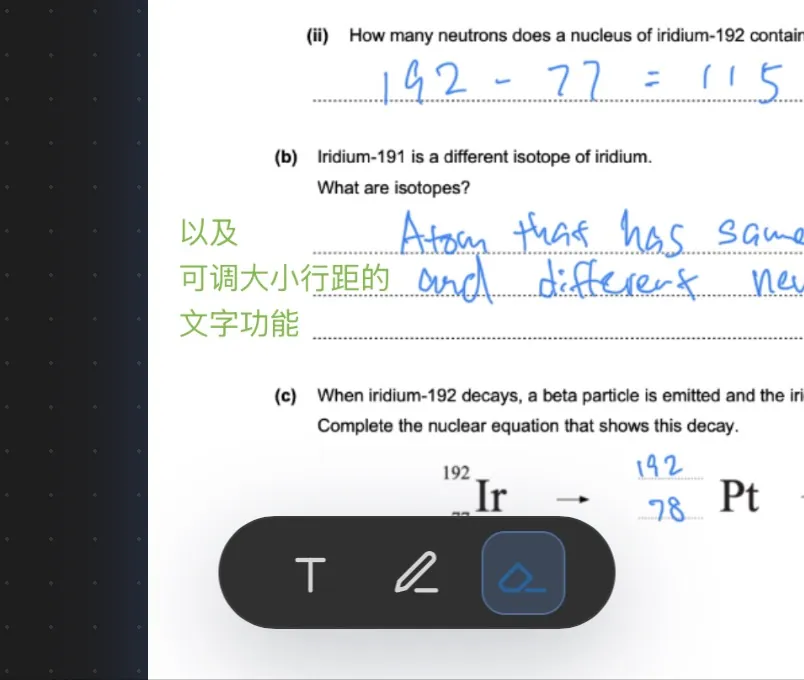
Stuck on a question. Now what?
Screenshot, new tab, open AI, upload, think of a prompt… and repeat every time?
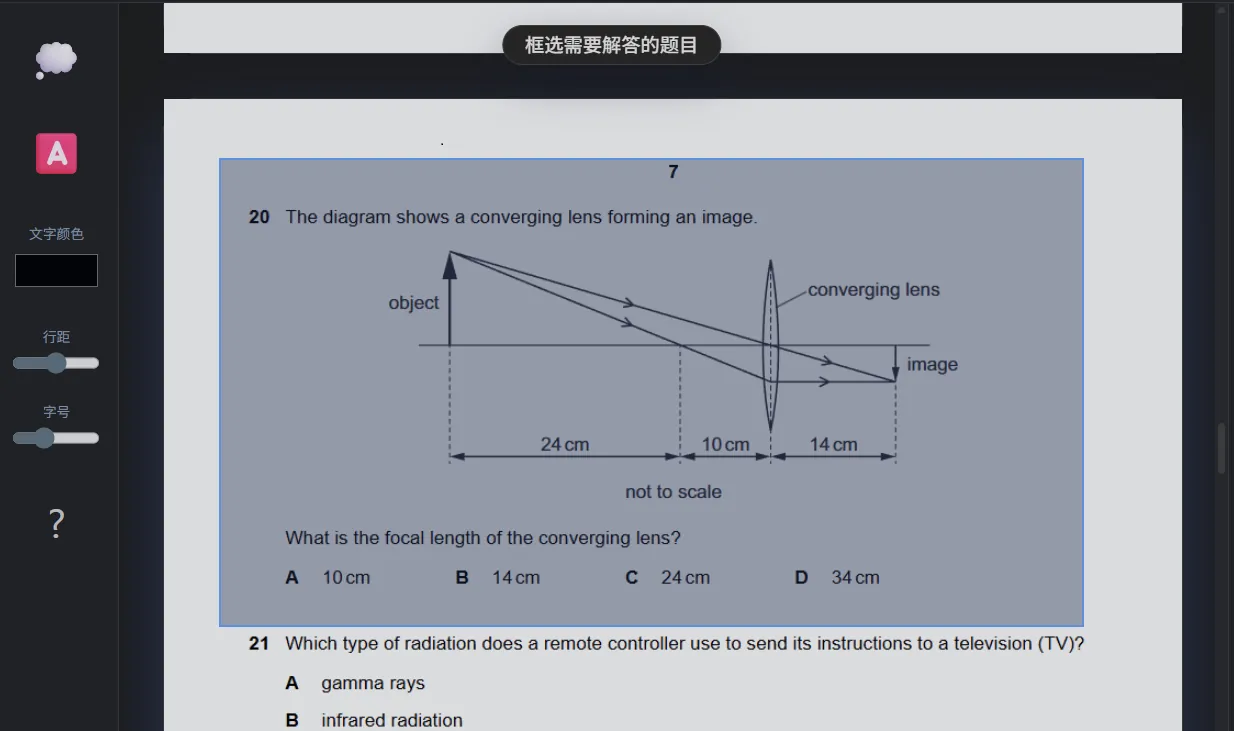
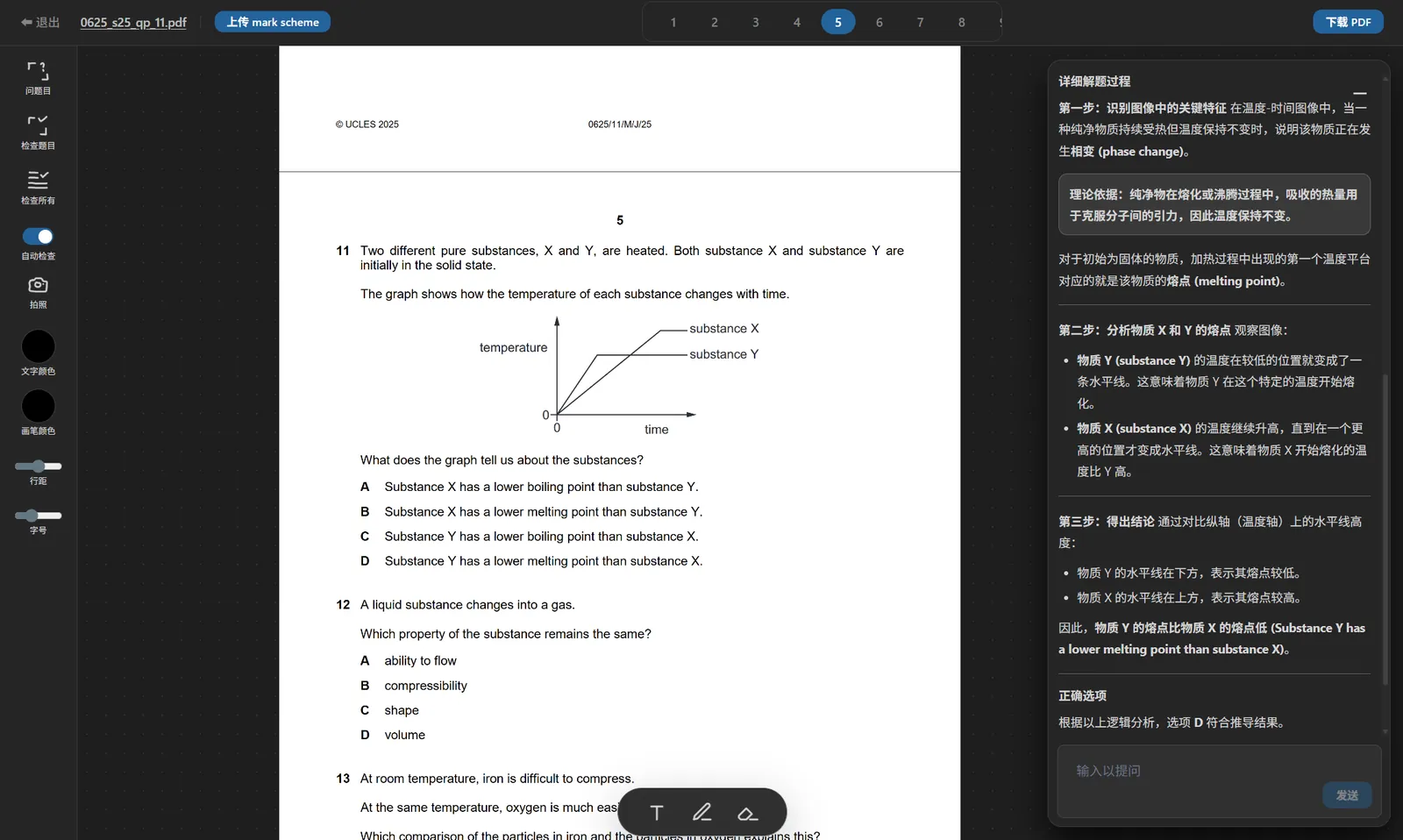
In FastQuiz, just drag to select the question and get a tailored explanation — in under a second.
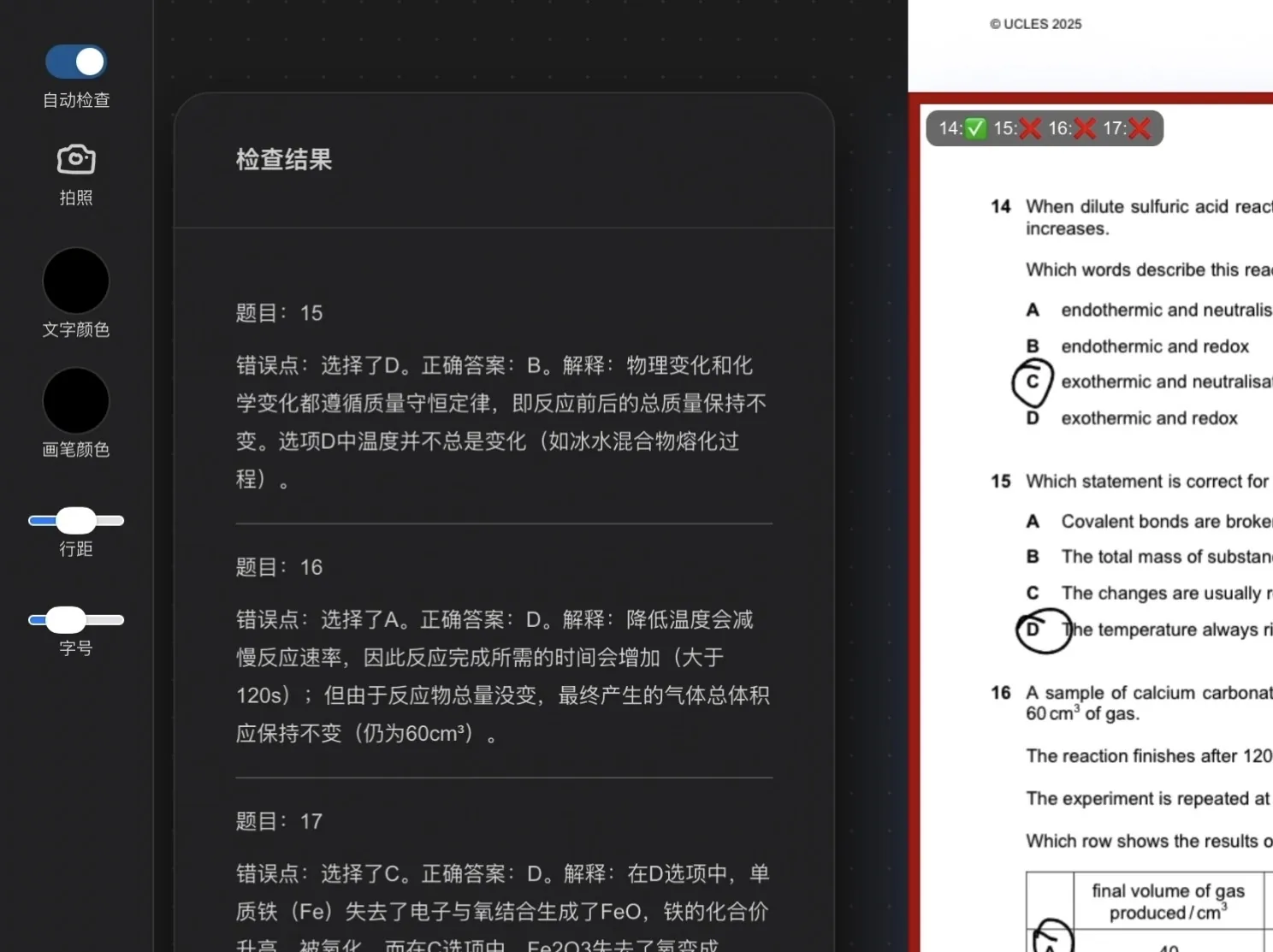
Finished a paper with no one to mark it, line-by-line checking on your own?
FastQuiz auto-checks the previous page, highlights mistakes and explains them, so every practice session gives you feedback.
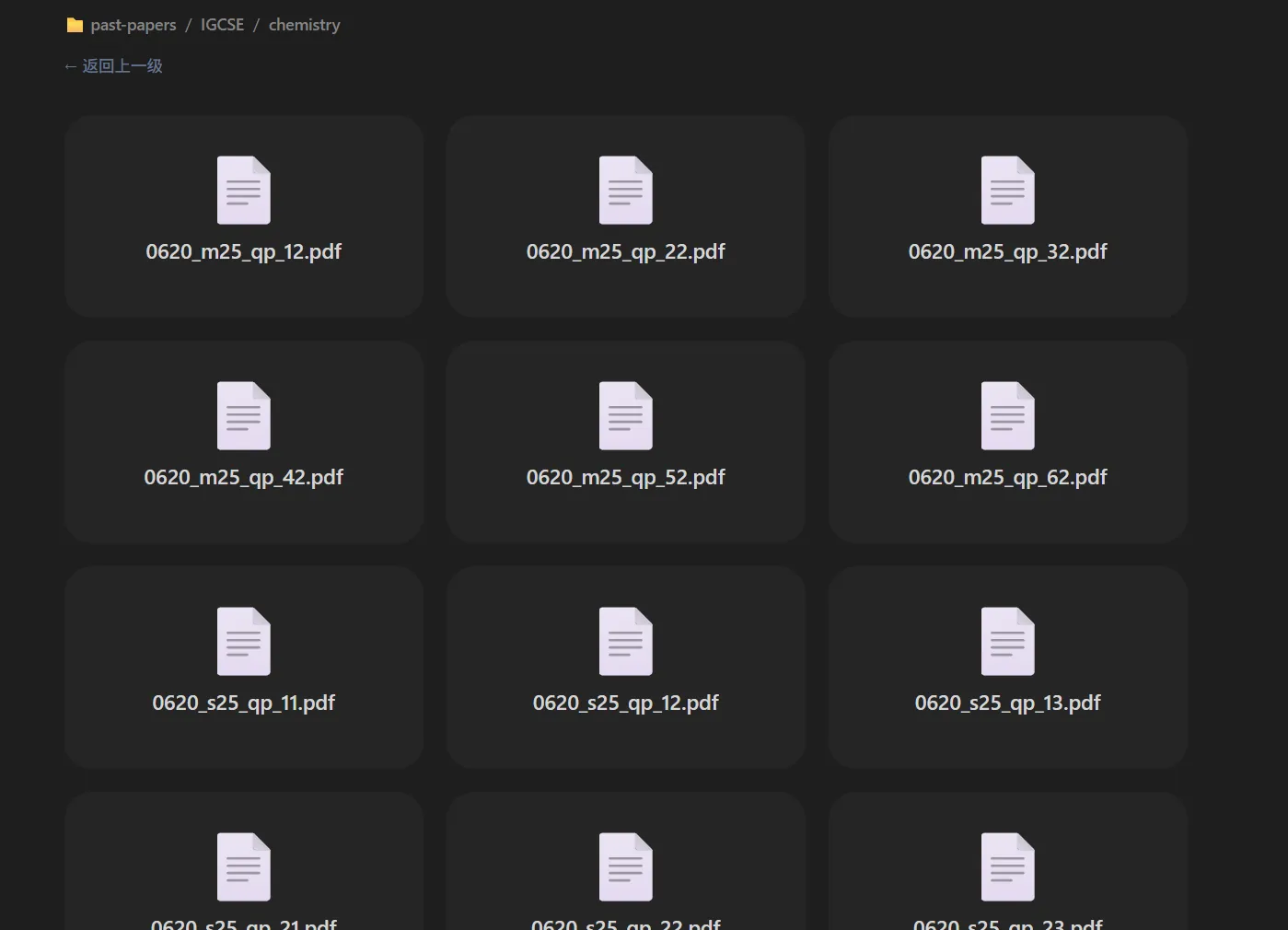
Hunting past papers and mark schemes everywhere, tabs covering your whole screen?
FastQuiz ships with curated past papers and pre-configured answers for AI, so it takes about 5 seconds from opening the site to starting practice.
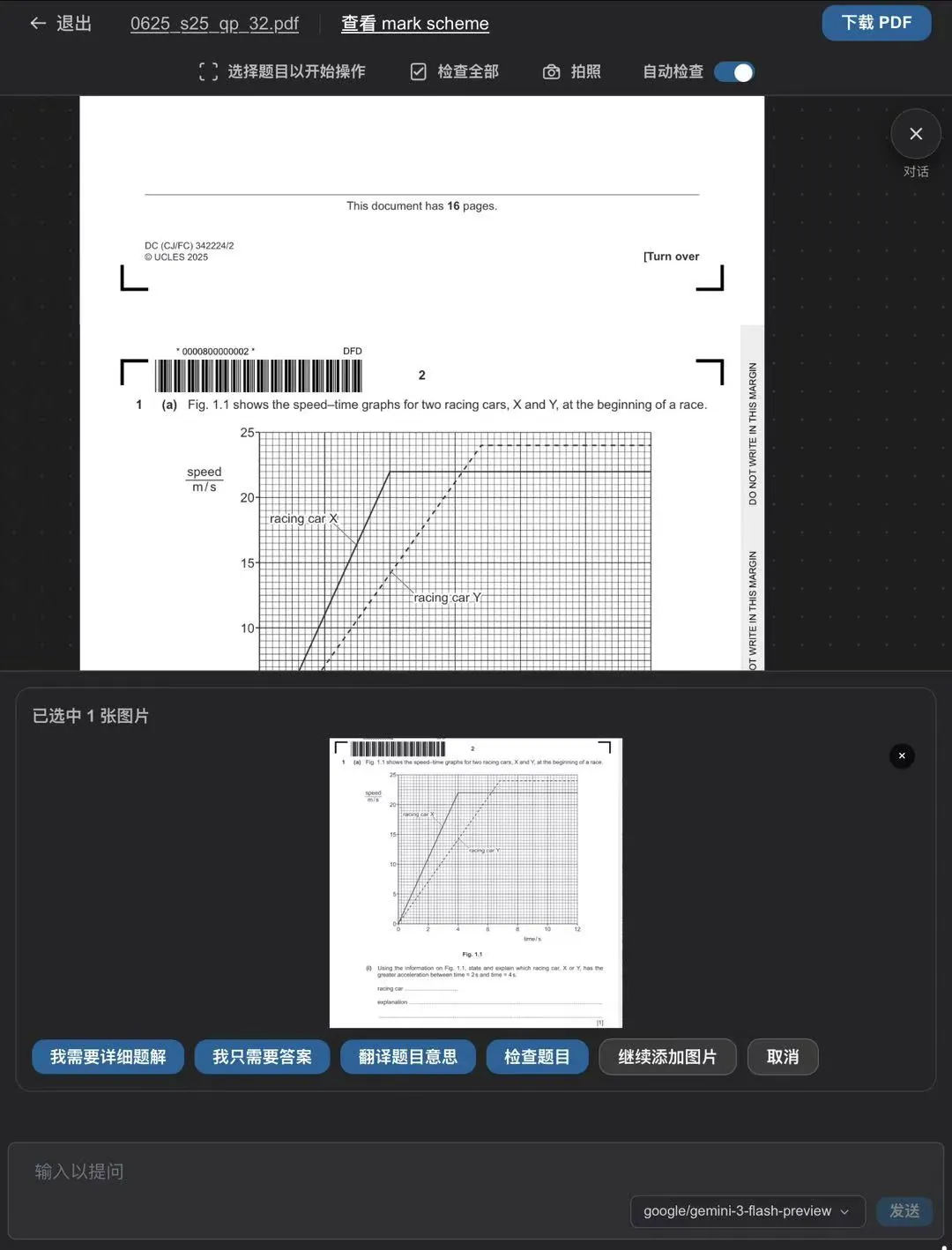
Select a question, open a dedicated AI workspace
All the common actions are preconfigured as one-tap buttons, so you don’t have to craft prompts yourself; switching between Gemini and Qwen is just an extra convenience.